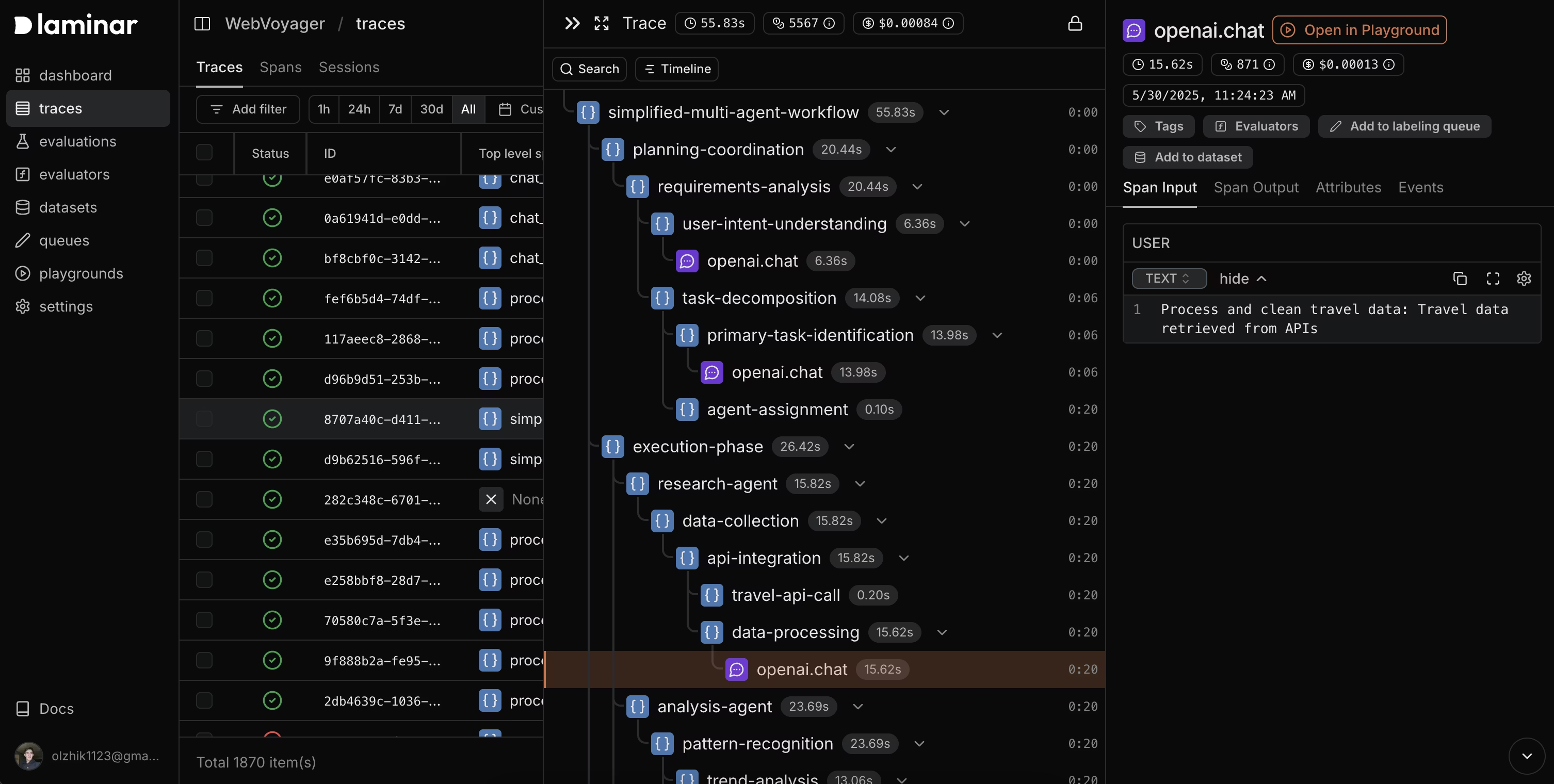
What You Can Do
- Prompt experimentation: Test prompt variations and inputs with instant results.
- Open from spans: Reproduce exact configurations from any span with Open in Playground.
- Tool integration: Configure and test custom tools that models can call.
- Session history: Review and replay past runs with full context.
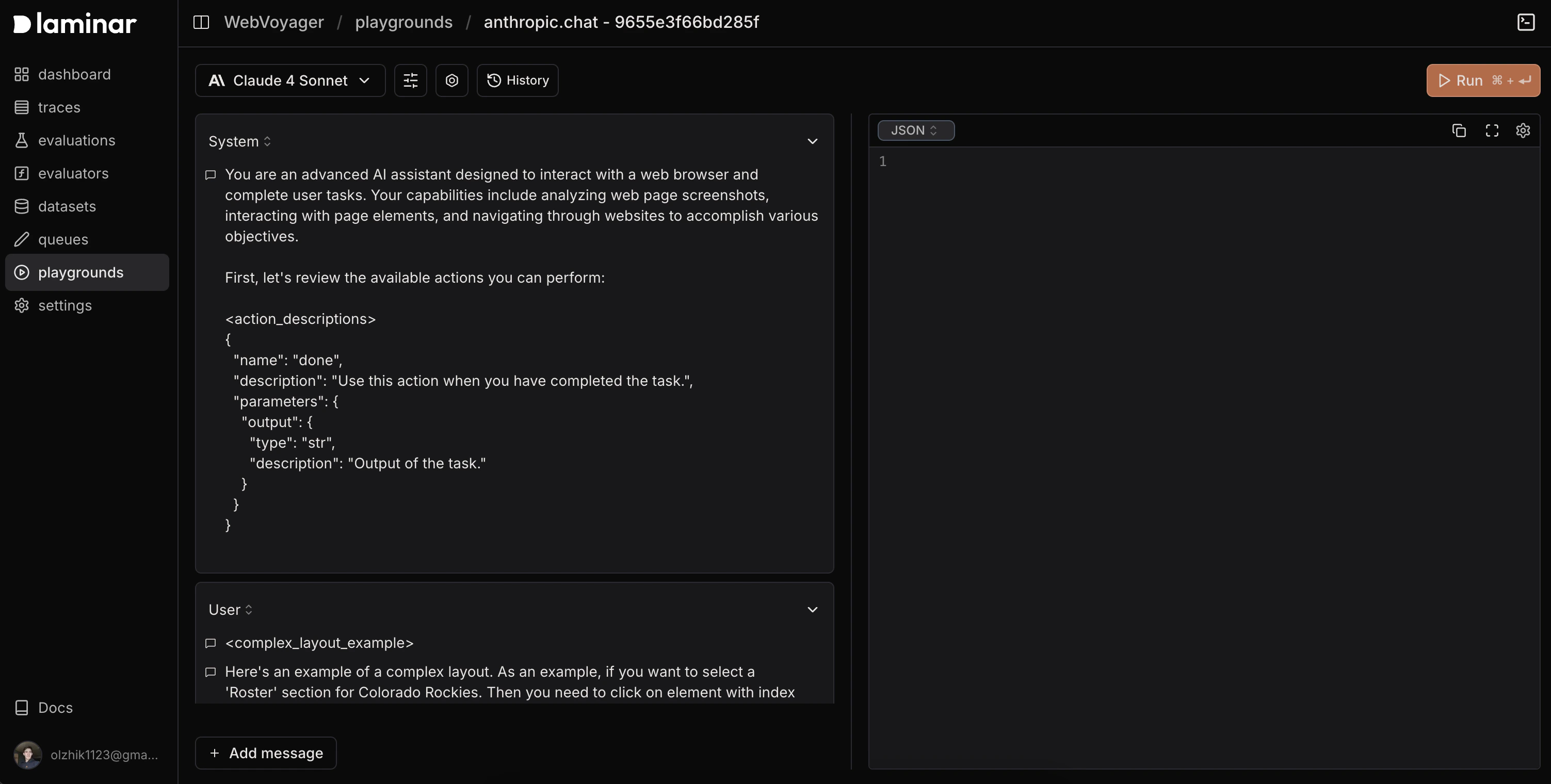
- In the Laminar dashboard, click New playground.
- Choose a model and start experimenting—or open directly from a span.
Start from Scratch
- Create a new playground to iterate quickly.
- Send requests, view responses, and compare outputs side by side.
- Save versions to revisit later.
Start from a Span
Click Open in Playground on any LLM span; the playground inherits:- Model settings (model, temperature, token limits, thinking tokens)
- Images and input formatting
- Tools and tool configuration
- System prompts and message history
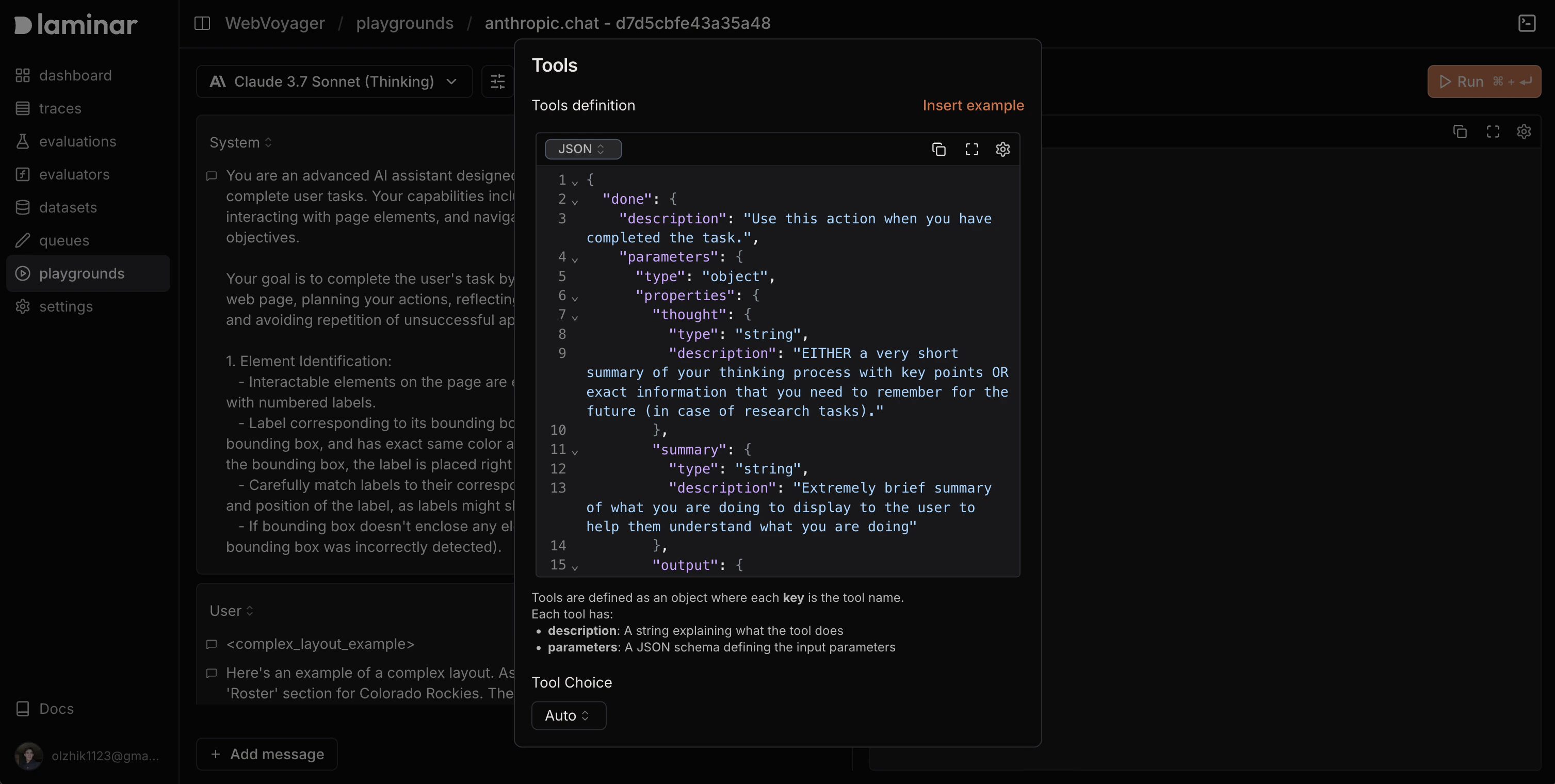
Tools
Add tools so models can call functions during a session. Tools are defined as JSON with function names, descriptions, and parameter schemas; choose when tools are allowed (none, auto, required, or a specific function).
Example tool config
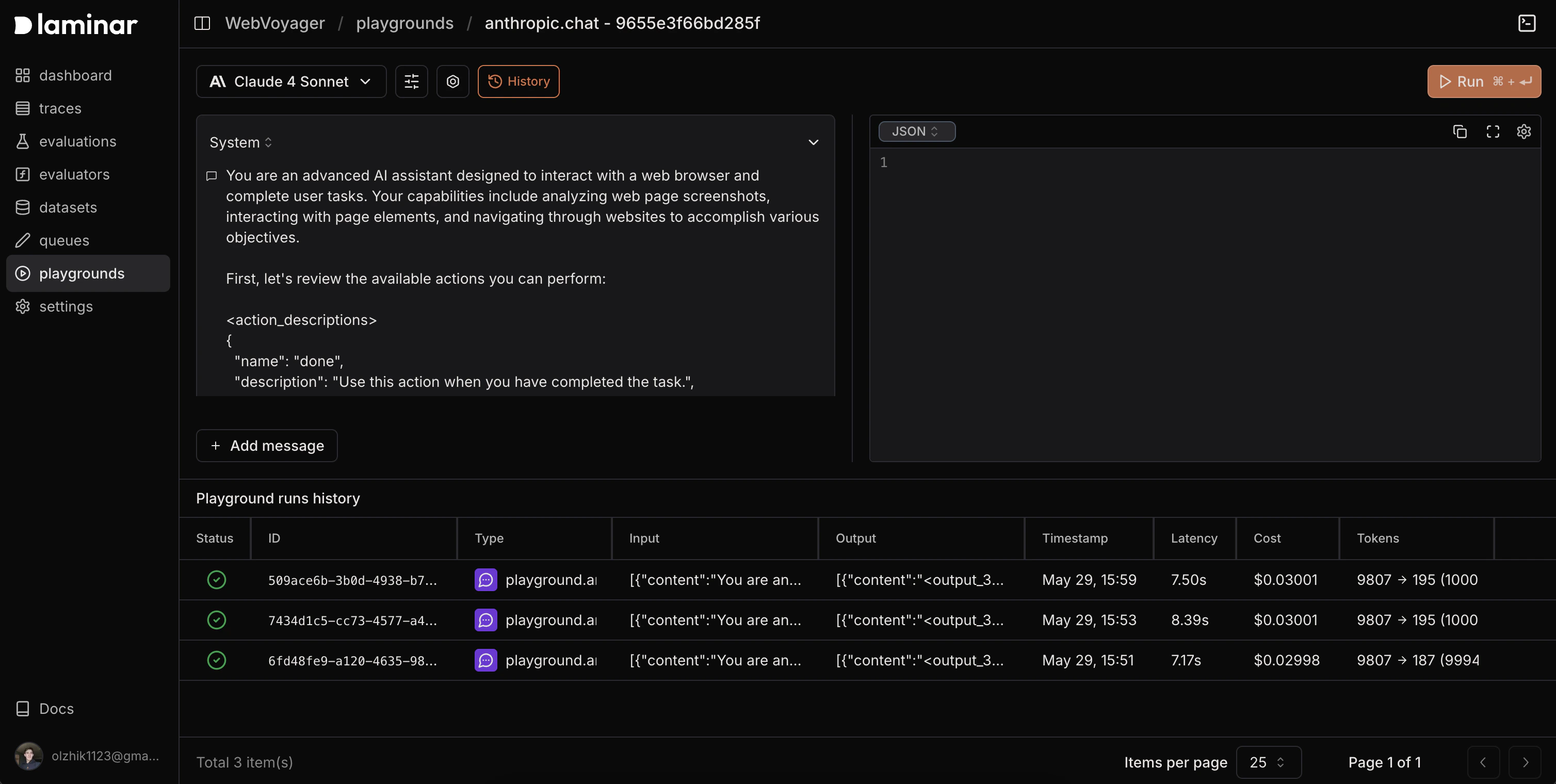
History
Every playground run is saved. The History tab shows:- Full conversations (prompts and responses)
- Model configurations (model, temperature, tokens, etc.)
- Tool calls with inputs/outputs
- Performance metrics (latency, tokens, cost)
- Timestamps for each run